The "Boss Mode" Guide: How to Force AI to Design Sexy Websites
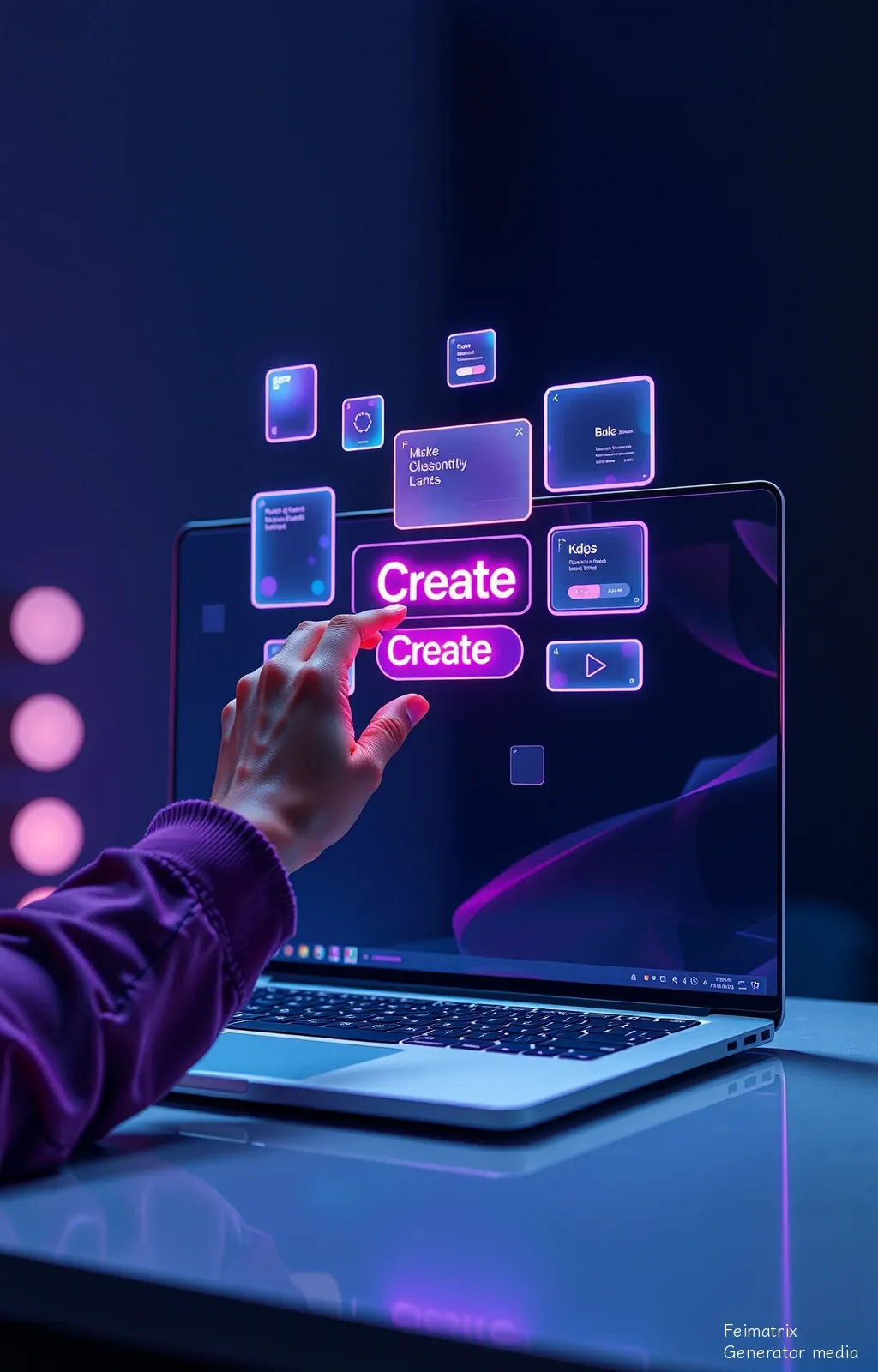
Most people talk to AI like they’re ordering a burger. If you want a Michelin-star website, you have to talk to it like a Vogue Creative Director.
1. Give the AI a "Brain Upgrade" (The Persona)
If you just say "Make a website," the AI uses its "Average Joe" brain. You need to overwrite its personality.
- The Command: "You are a world-class Lead UI/UX Designer who specializes in high-end, minimalist tech aesthetics. Your work has been featured on Awwwards and SiteInspire. Do not give me generic layouts. Think outside the box."
2. Use "Expensive" Vocabulary
AI is obsessed with keywords. If you don't use "Designer Speak," it defaults to "Boring Speak." Sprinkle these words into your prompt to instantly 10x the quality:
- Instead of "Clean": Use "Ultra-minimalist with generous negative space."
- Instead of "Cool colors": Use "A sophisticated monochromatic palette with subtle mesh gradients."
- Instead of "Boxes": Use "Bento Grid layout with soft-rounded corners (24px) and subtle border-glows."
- The Secret Sauce: Mention "Glassmorphism," "Neumorphism," or "Skeuomorphic accents" to make it look 2025-ready.
3. Control the "Skeleton" (The Layout)
AI loves to stack things in a straight line like a grocery list. Boring! Tell it exactly how to arrange the furniture:
- The Command: "I want an asymmetrical layout. Put the hero text on the left with a massive 128px font size, and a floating 3D element on the right that overlaps the section below."
- The Command: "Use a 12-column grid. Make the cards 'hover-reactive'—when I mouse over them, they should lift and glow."
4. The "Micro-Interaction" Flex
What shocks users isn't just how a site looks, it's how it moves. Even if the AI is just writing code, tell it to include "vibe" instructions:
- The Command: "Add smooth-scroll behavior. Ensure all buttons have a 0.3s cubic-bezier transition. When the page loads, make the elements fade in and slide up slightly for a premium feel."
5. The "Refine or Fire" Method (The Iteration)
Your first result will be "Okay." Your third result will be "Shocking." Never accept the first draft.
- Critique it like a snob: "This is a good start, but the typography is too small and the contrast is weak. Make the headings 'Extra Bold,' increase the letter spacing (tracking) to -0.05em, and make the background a deep midnight navy instead of black."
6. Don't Let it Use "Lame" Content
AI often uses "Placeholder Text" that looks ugly. Tell it to be specific.
- The Command: "Don't use 'Lorem Ipsum.' Write punchy, Apple-style marketing copy. Use short sentences. Use active verbs. Make the user feel like they are buying the future."
💡 Pro-Tip for the "Wow" Factor:
If you want to truly shock people, tell the AI to "Focus on the Typography." A website with a massive, beautiful font and 80% empty space looks 100x more expensive than a website covered in cheap graphics.
Your New Mantra: "Whitespace is luxury. Typography is character. Movement is life."